
Spartan can help you use the clipboard more efficiently. The idea behind this application is to overcome the limits of Windows clipboard, which can only keep one element every time. Even Microsoft Office extended clipboard allows to store only the last few clips.
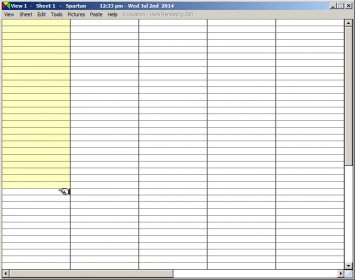
The user interface shows a grid that stores everything that has been copied to the clipboard. If you move your mouse over one of these elements, a window will appear to allow you to preview its contents (mostly when they are of a graphical nature). In addition, according to the type of contents, there are small buttons next to the selected item. For example, pictures show four small numbered buttons which let you use various paste methods. However, you will not need to use the graphic interface all the time because you can configure hotkeys and use them instead.
As said, Spartan can go well beyond other clipboards. Firstly, it allows you to save clips permanently, which means that they will still be there after you have restarted the system. Secondly, it lets you manage screenshots, and that includes editing them. Thirdly, sensitive clips can be encrypted. Finally, Spartan also includes some built-in tools, like a planner, a picture browser and a graphics editor.
In general, Spartan is a fine application that definitely allows a lot of new operations with the clipboard. However, it also adds complexity to the copy-paste process; that is why many users may still want to hang on to the traditional method. Another inconvenience is related to this program’s use of disk space: it stores everything you copy to the clipboard, which eventually will account for a large portion of your disk filled.






Comments (14)
How do I move it?